Download Evoxup — Membership & Elementor Template Kits
Official Evoxup Downloads

Choose Your Evoxup Product.

Download Evoxup Membership for membership, licensing and commerce workflows, or Evoxup Template Kits for Elementor for ready-to-use website design resources.

Official packagesWordPress-nativeEasy to install
DOWNLOAD CENTER
Available products
Membership + Template Kits
WordPress

Each product below has its own image area, short introduction, download button and product information button.

Product 01Evoxup Membership
Product 02Template Kits for Elementor
DeliveryPlugin ZIP
More InfoDedicated product page
Browse Products
Evoxup Products

Download the Product You Need.

Use the image areas for product screenshots, promotional artwork or plugin mockups. The download and information buttons are kept separate so visitors can either install immediately or learn more first.

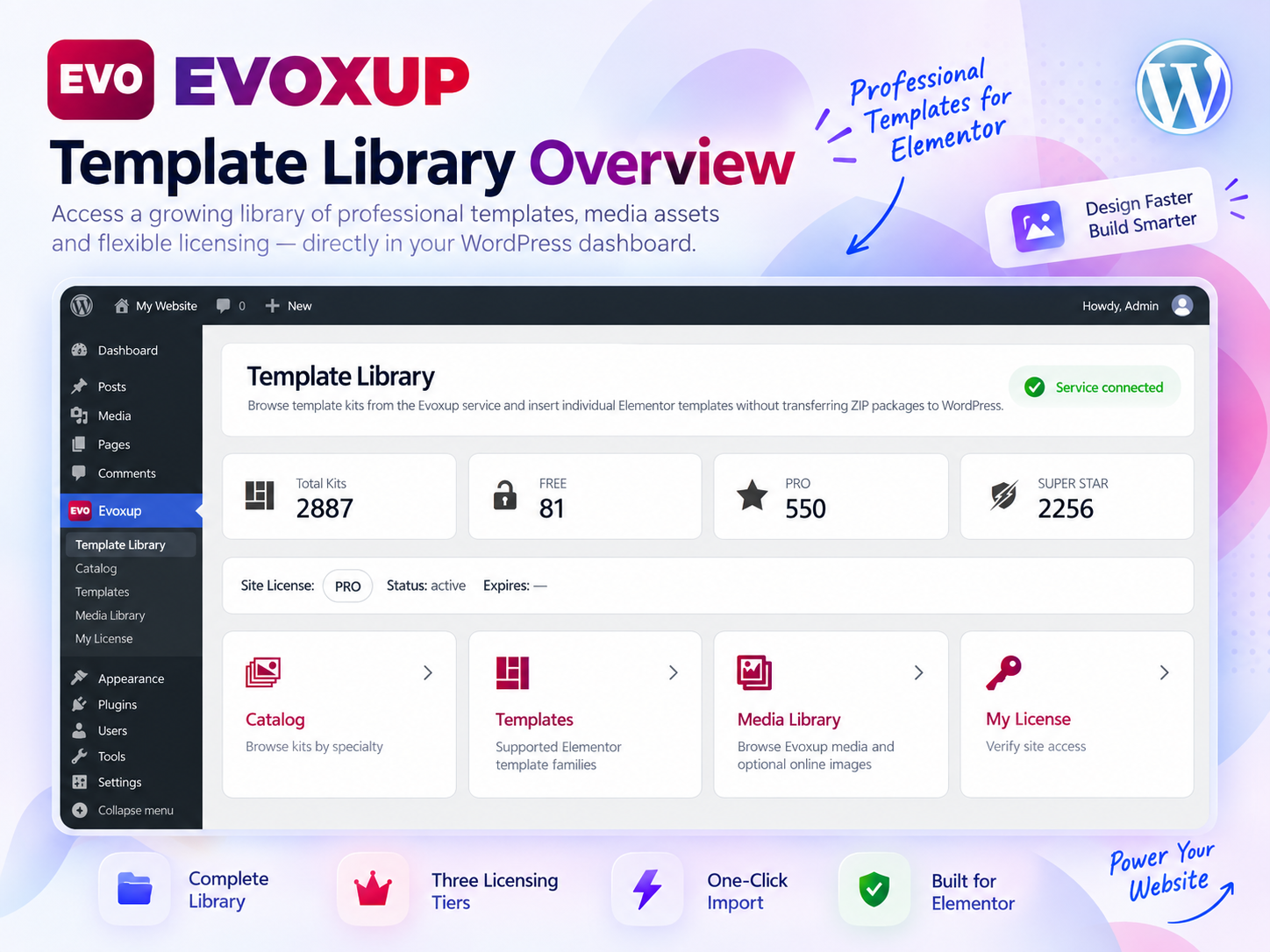
Evoxup Template Kits for Elementor
Templates • Media • Elementor

Evoxup Template Kits for Elementor

ELEMENTOR LIBRARY

Browse and import Evoxup Elementor template kits and design assets from a dedicated library built for faster WordPress site creation.

Elementor integrationTemplate libraryTier-based access
  • Ready-made template kits
  • Preview before import
  • Elementor workflow
  • Media library integration
  • FREE / PRO / SUPER content
  • Fast design workflow

Image path currently expected: /wp-content/uploads/evoxup-template-kits-elementor-download.png

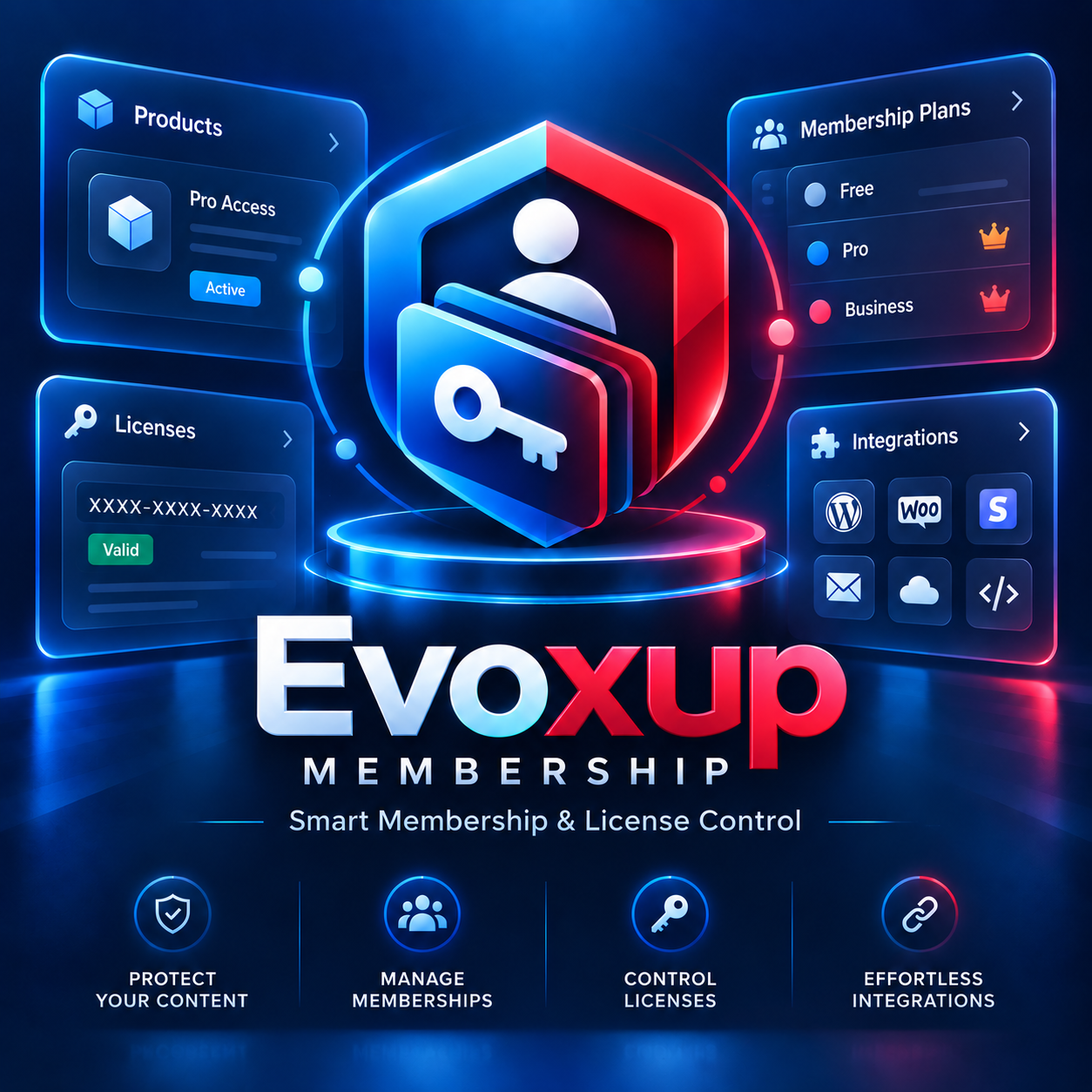
Evoxup Membership

A Real Starting Point — Not an Empty Trial.

The Membership free edition gives you a working foundation for Evoxup's product, membership and licensing architecture.

M

Membership Core

Create and manage membership structures while keeping access connected to products and entitlements.

L

Licensing Foundation

Work with license issuance, verification and lifecycle controls as part of the same customer workflow.

P

Product Architecture

Use EVO Product as the stable internal identity behind sales, plans, licenses and entitlement decisions.

↗

Provider Integrations

Connect supported WordPress or external commerce workflows without making the platform depend on one provider.

U

Update Ready

Move forward through Evoxup's supported update workflow without rebuilding your configuration from scratch.

+

Expandable

Add commercial extensions and additional capabilities when your workflow grows beyond the free foundation.

System Requirements

Before You Install.

Use a maintained WordPress environment and keep a backup before installing or updating production sites.

Recommended Environment

  • Current supported WordPress release
  • Modern PHP version supported by your WordPress installation
  • HTTPS enabled for production sites
  • WordPress administrator access
  • Working WordPress email configuration for transactional messages

Before Updating a Live Site

  • Create a full database and files backup
  • Review the changelog for major releases
  • Test important commerce and licensing workflows after updating
  • Keep third-party integrations updated
  • Use staging first for mission-critical websites
Installation

From Download to Activation in Four Steps.

1

Download

Download the official Evoxup Membership ZIP package from this page.

2

Upload

In WordPress go to Plugins → Add New Plugin → Upload Plugin.

3

Activate

Install the ZIP and activate Evoxup Membership from the Plugins screen.

4

Configure

Open Evoxup and configure your products, membership rules and integrations.

Package Integrity

Download Official Packages Only.

Use Evoxup's official website, WordPress.org when available, or the authenticated Evoxup Repository / customer account for commercial packages.

Do not install modified packages from unofficial mirrors. Commercial and protected updates can use signed release metadata and integrity checks through the Evoxup update workflow.

Official sourceUse Evoxup or the approved WordPress distribution channel.
Verify before productionKeep backups and review update information.
Protected commercial deliveryPremium packages are delivered according to active entitlement.
No shared premium ZIPsUse your own authorized account or license workflow.
Already Using Evoxup?

Choose the Right Download Path.

FREE USERS

Install the public edition.

Use the free package to start a new Evoxup installation or continue with the public distribution channel.

Download Free
Using Evoxup Cloud?

The Cloud Agent is installed only when a Cloud workflow requires it. You do not need to install the Agent to use ordinary Local ZIP features.

Learn About Cloud
Download FAQ

Common Download Questions.

Is the free download a trial?

No timed trial is required for the public free edition. You can use the available free capabilities and upgrade when you need commercial features or protected extensions.

Do I need WooCommerce before installing Evoxup?

No. WooCommerce can be integrated when needed, but Evoxup is designed to support other commerce and provider workflows as well.

How do I update Evoxup later?

Use the supported WordPress / Evoxup update workflow available to your installed edition and entitlement. Always keep a current backup before production updates.

Where do I get PRO or SUPER packages?

Protected commercial packages should be downloaded or updated through your authenticated Evoxup account and Repository entitlement workflow.

Do I need the Cloud Agent?

Only when a specific Cloud Service requires it. The Agent is a local bridge for Cloud functionality and is not required for ordinary Evoxup Local ZIP packages.

Start With Evoxup

Build the foundation free. Expand when you need more.

Install Evoxup Membership and begin with a product-centered membership and licensing architecture designed to grow with your WordPress business.

Scroll to Top